
TRAIN LIKEYOU MEAN IT
An AI coach that knows your training history, weight suggestions that learn from each set's RPE, and a recovery map that updates after every workout. No account. Fully offline.


BUILT FOR PEOPLE WHO ACTUALLY TRAIN
- 01
AI coach that knows your full history
Describe the workout you want in plain text and the AI builds it around your injuries, equipment, level and time. It also reviews the week, spots plateaus and tells you exactly when to add weight.
- 02
Rate the set, get next session's weight
After each set, one tap logs how hard it felt — RPE or reps in reserve. Next time, HeavyMuscle suggests the weight: up when it was easy, down a notch when it was a grind — rounded to plates you actually own.
- 03
Muscle recovery map, updated every session
A full-body visual map shows which muscles are fatigued, recovering or fresh after every workout. Know instantly whether today is a push day or a rest day.
- 04
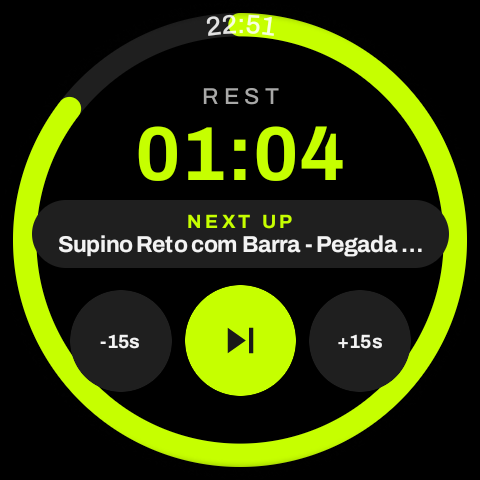
Live set tracking with auto rest timer
Log sets and reps in real time with an automatic rest countdown. Swap exercises, adjust sets on the fly and finish with a full summary: volume, calories and personal records hit.
- 05
Strength progress charts for every lift
Track estimated 1RM over time for every exercise. View all-time bests for weight, volume and e1RM — and watch your strength curve climb week by week.
- 06
873 exercises with video guides
Full library with target muscles, secondaries, equipment and difficulty. YouTube links for every movement plus photo guides so you always know exactly how to perform each exercise.
- 07
Injuries become a filter, not an excuse
Flag up to 9 zones (knee, shoulder, lower back, neck, elbow, wrist, hip, ankle, upper back) and the app silently removes any exercise that would aggravate them from the catalog and generated workouts.
- 08
Volume and calories that count for real
Every session logs active duration, total volume, sets per muscle and estimated calories. Optionally syncs to Health Connect on Android to feed your daily activity balance.
- 09
Bring your history from any other app
Import past workouts from spreadsheets (CSV), text files, PDFs — even screenshots of another tracker. Your recovery map, records and progress charts pick up right where you left off.
Your training past comes with you
Don't start from zero. Upload almost anything — an export from another workout app, your own tracking sheet, a coach's PDF or a photo of your paper log — and the AI coach rebuilds those workouts in your history, date by date, sets and weights included.
Step-by-step: export from Hevy, Strong, Jefit, Fitbod and more →Spreadsheets & CSV
Exports from any other tracker, or the sheet you've been filling in for years.
Text & notes
Plain-text logs work — even quick lines like 'Bench press 3×10 @ 60 kg'.
PDFs
Plans and logs from your coach, including multi-page documents.
Screenshots
A clear screenshot of another app's history screen is enough.
- 01
Review before it saves
Every imported workout is previewed first. Names the catalog doesn't recognize are kept exactly as written, in italics — re-mapping them is always your call, never a guess.
- 02
Get your routine back
HeavyMuscle detects the pattern in your latest workouts and offers to turn them into a reusable routine in one tap.
- 03
No duplicates, ever
Import the same file twice and nothing doubles up — each workout updates in place.
Now on your Apple Watch
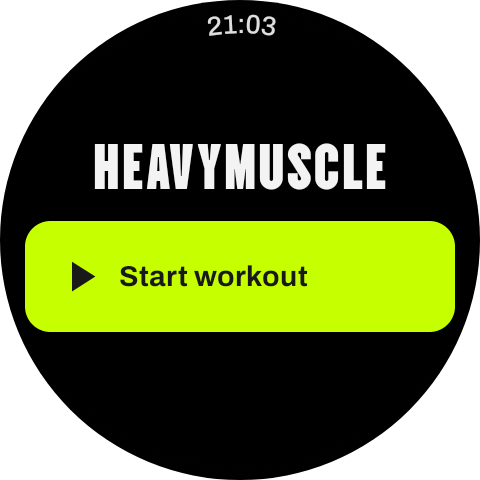
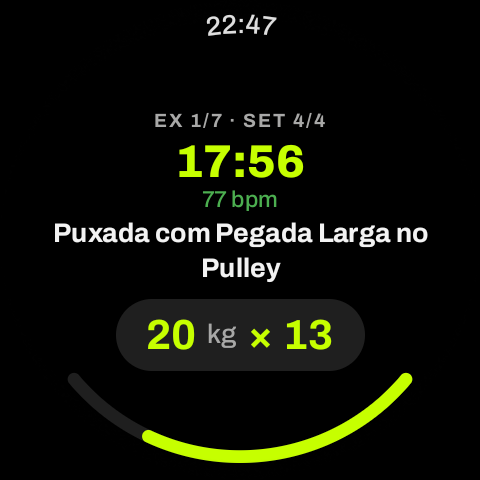
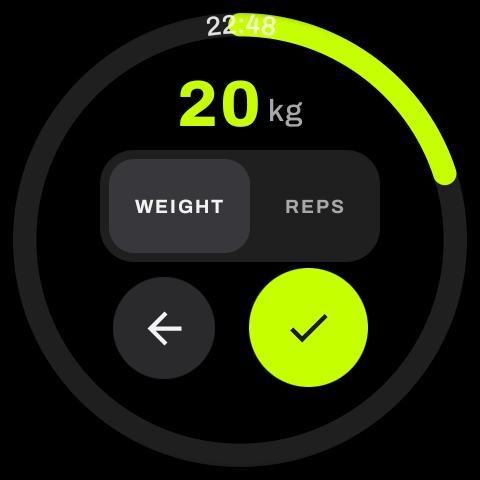
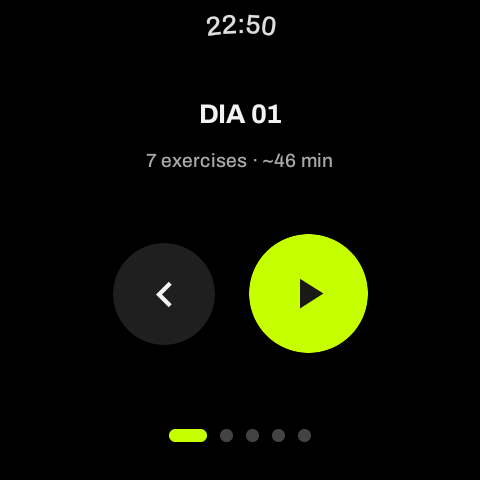
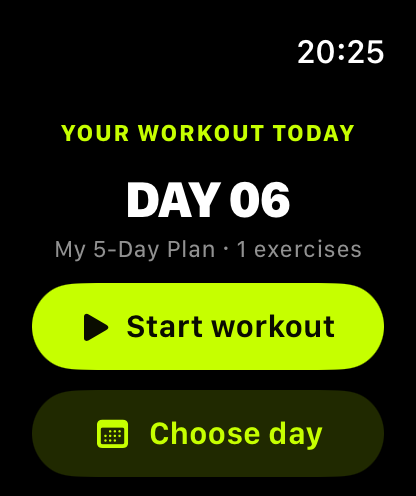
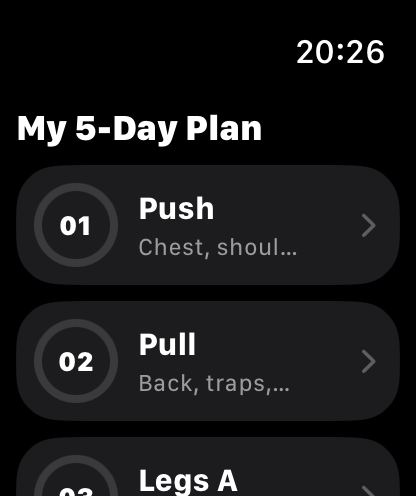
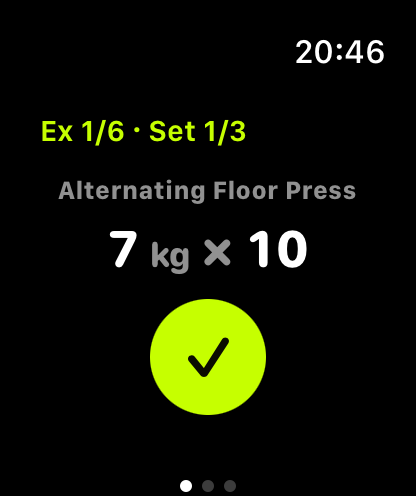
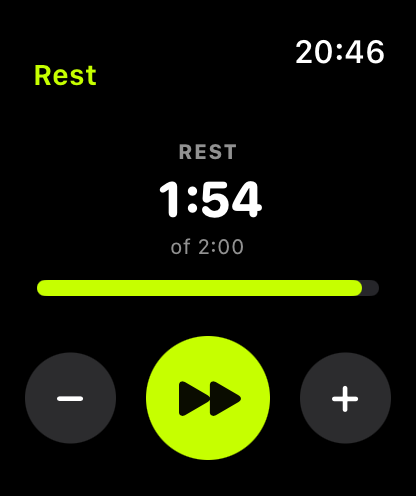
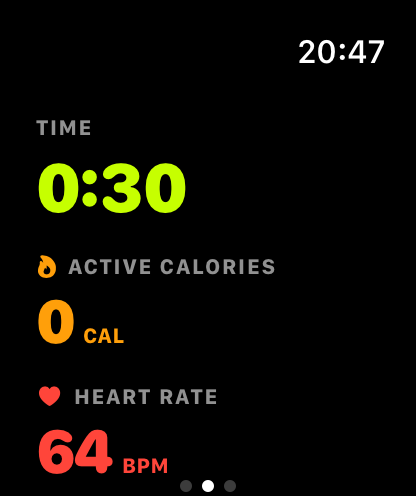
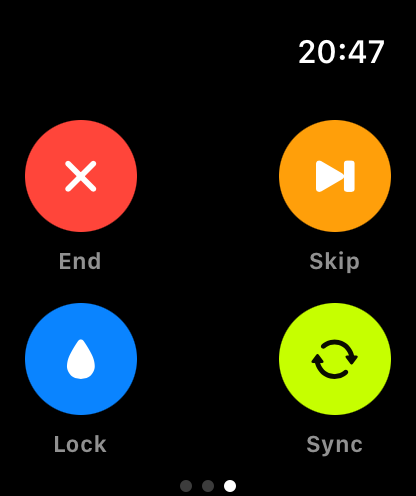
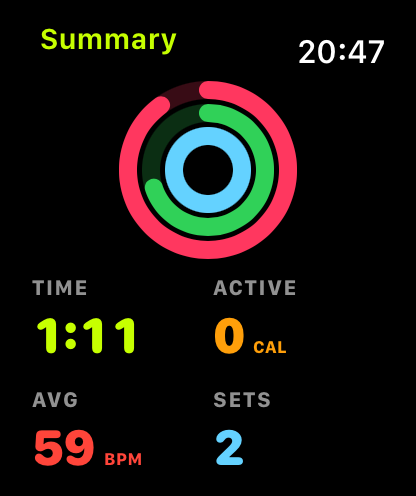
Start a workout on your iPhone and it lands on your wrist. Log sets with one tap — weight and reps come pre-filled from your history — dial adjustments with the Digital Crown, and watch the rest timer count down with a haptic tap in the final seconds. Live heart rate and calories come from HealthKit, your workout counts toward your rings, and the summary is saved straight into your session.
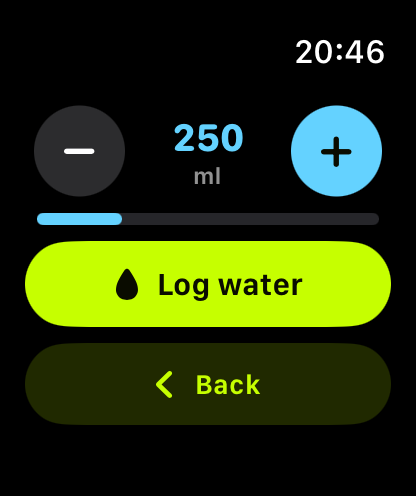
Your whole workout, on your wrist
Pair the HeavyMuscle Wear OS app and leave your phone in the bag. Start a session, log every set, swap exercises and watch the rest timer tick down — straight from your watch. The phone stays the source of truth, so everything syncs back the moment you pick it up.